Google Play Feature Graphic Templates
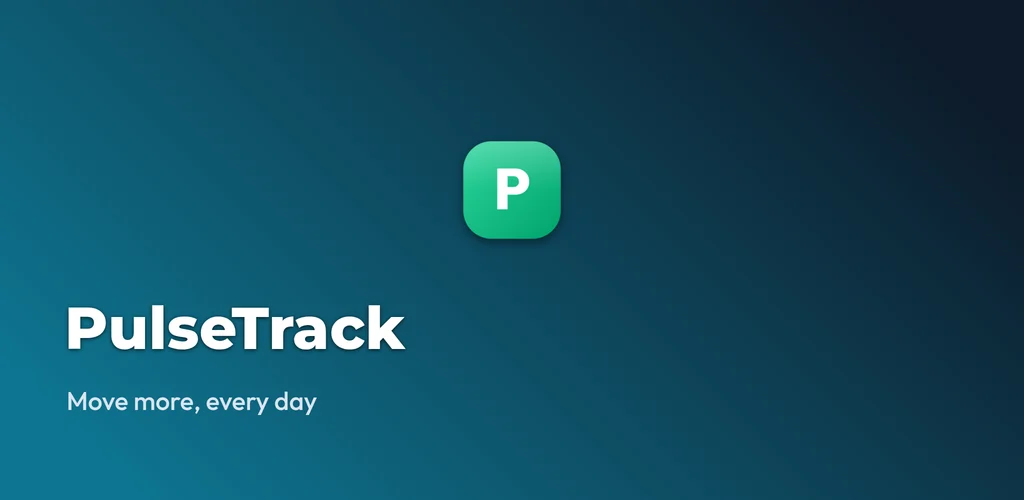
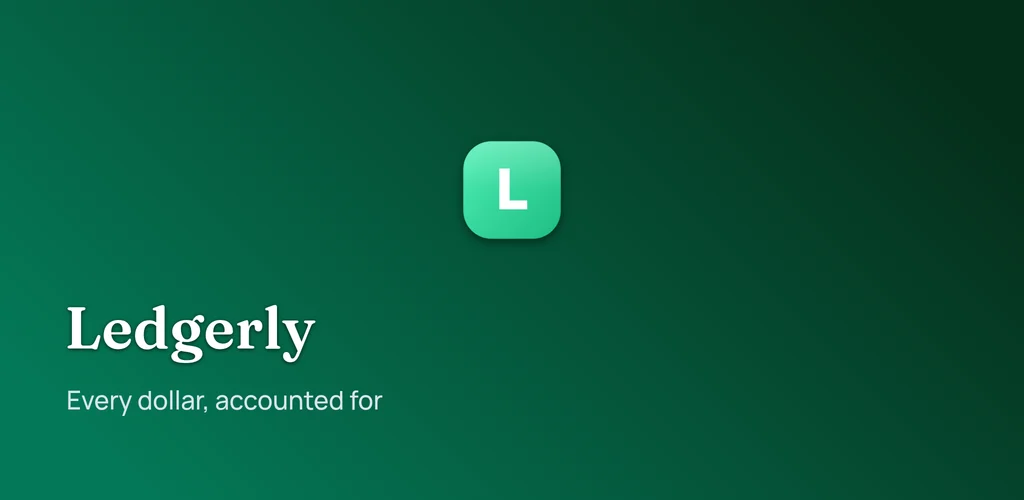
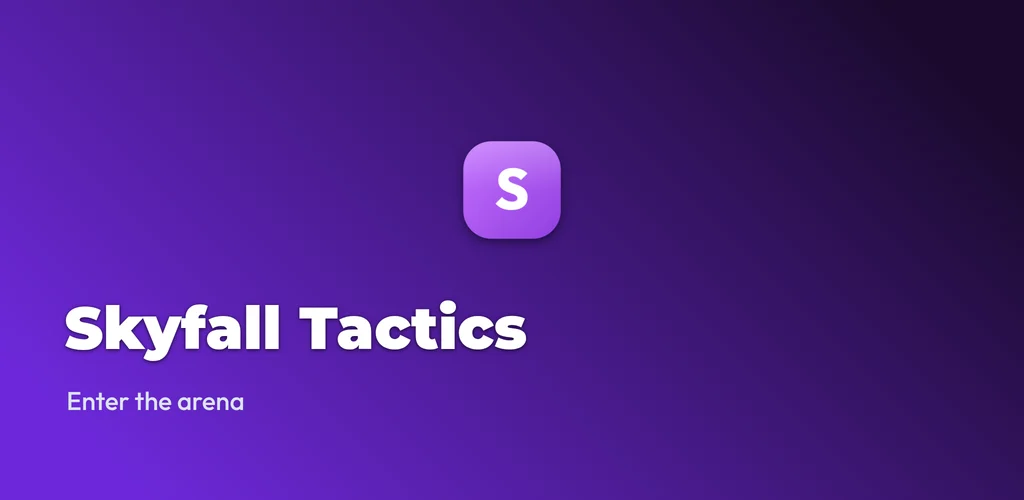
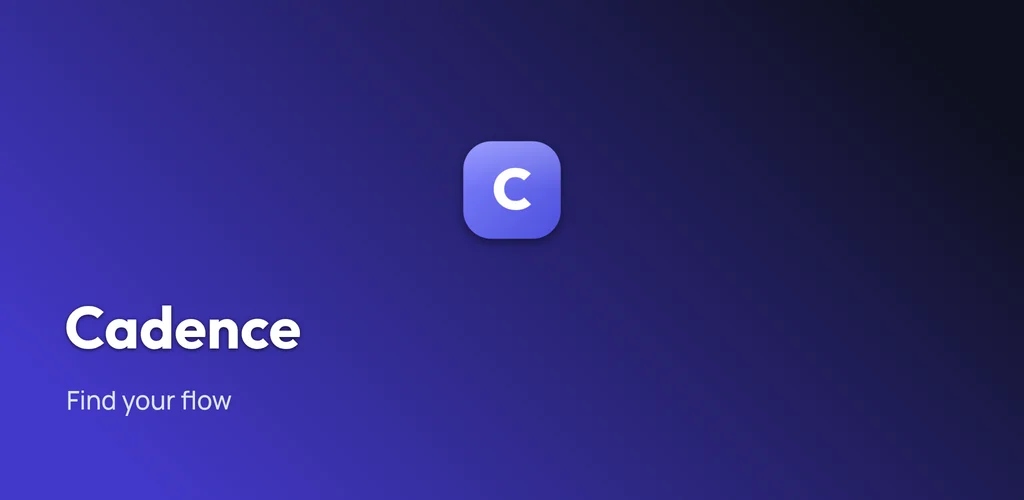
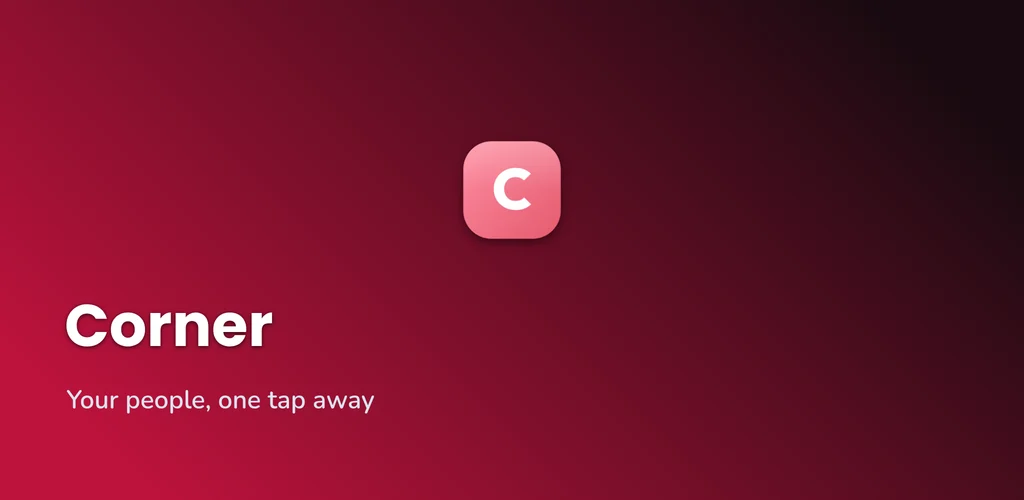
Eight distinct layouts for the 1024 x 500 graphic Google Play requires. Each one is a real render from the free generator, so what you see is what you download.
1024 x 500 px, JPEG or 24-bit PNG, no alpha channel
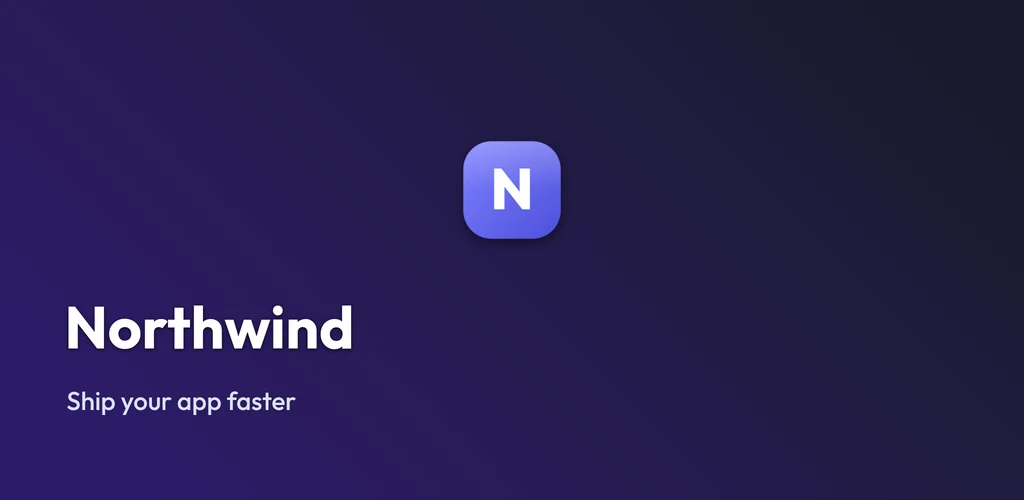
Clean Gradient
Use this templateTwo-tone diagonal gradient with the logo centered. The safe default.
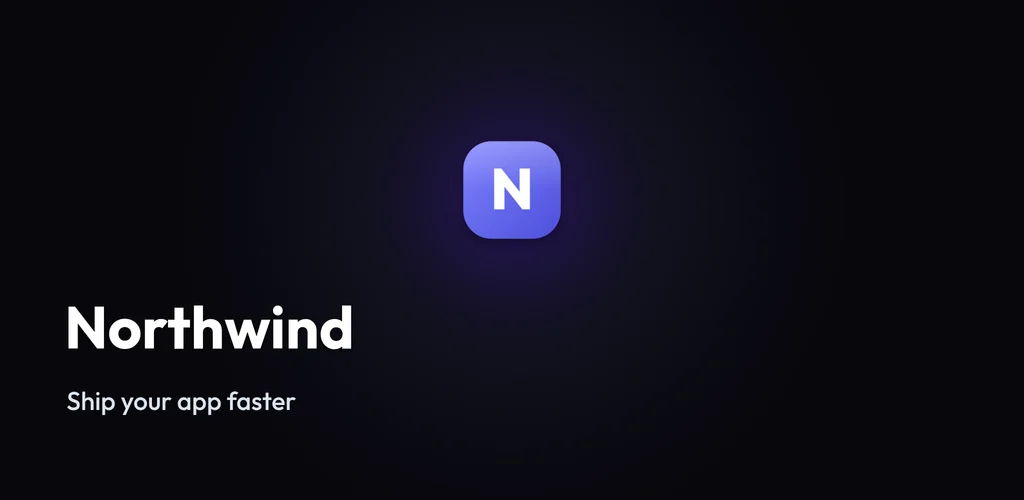
Dark Glow
Use this templateDark field with a radial glow behind the mark. Reads well at thumbnail size.
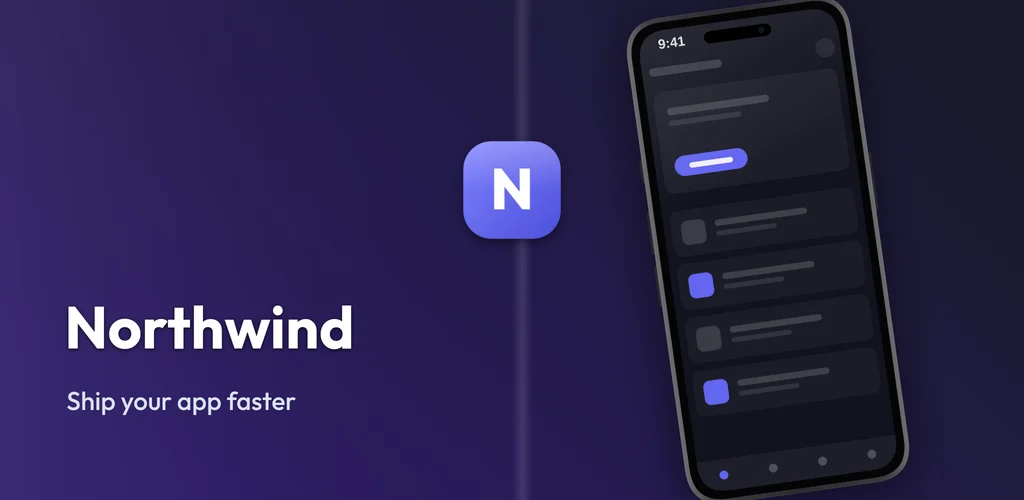
Split Layout
Use this templateCopy on the left, device mockup on the right. Best when you have a headline.
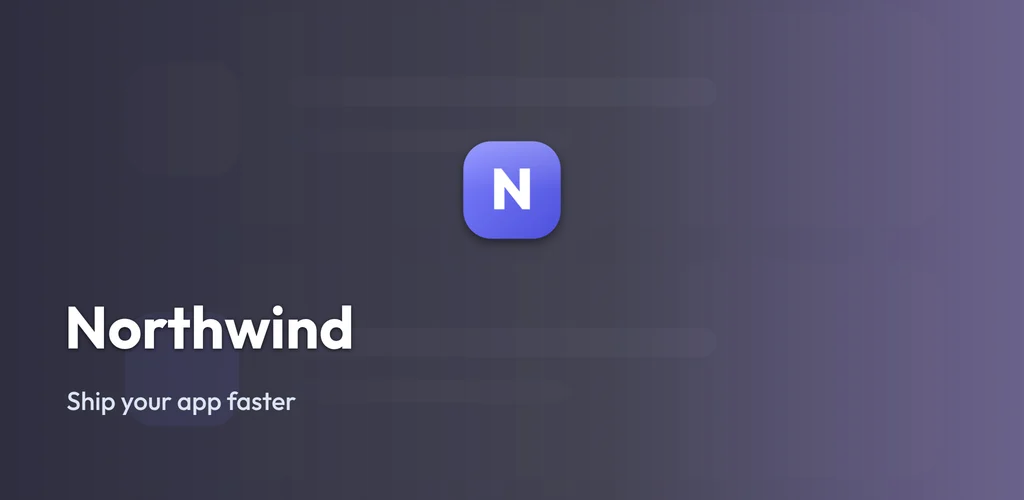
Screenshot BG
Use this templateYour own screenshot blurred behind the lockup. Good for visual apps.
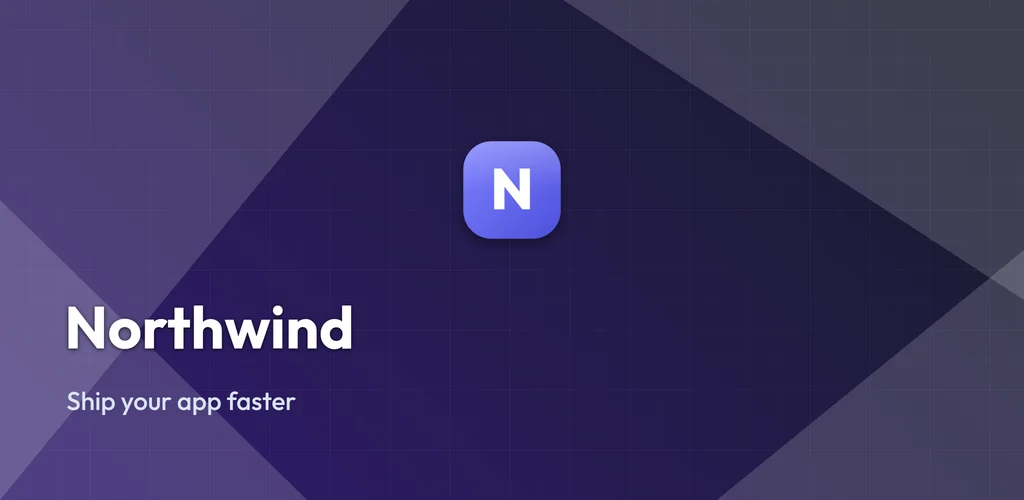
Geometric
Use this templateAngular shape blocks. Holds up against busy Play Store surroundings.
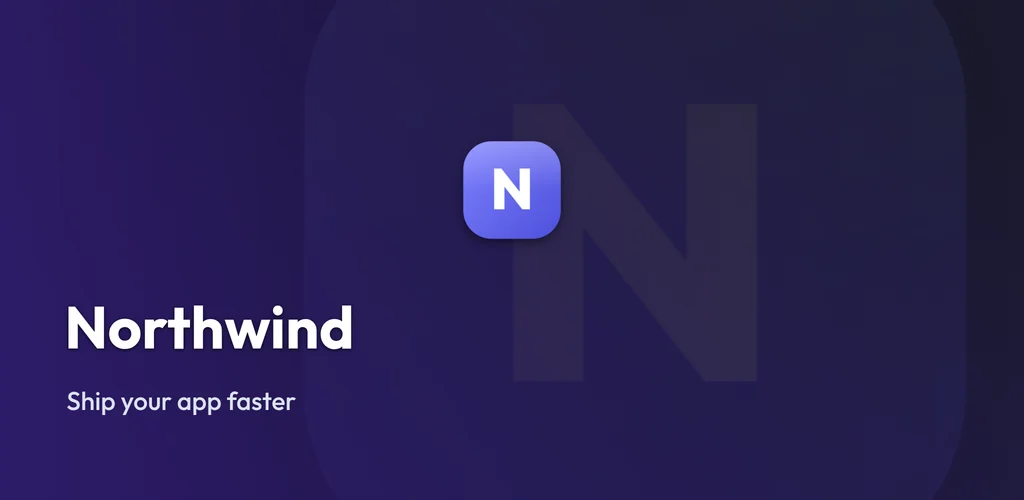
Logo Wash
Use this templateOversized logo washed into the background at low opacity.
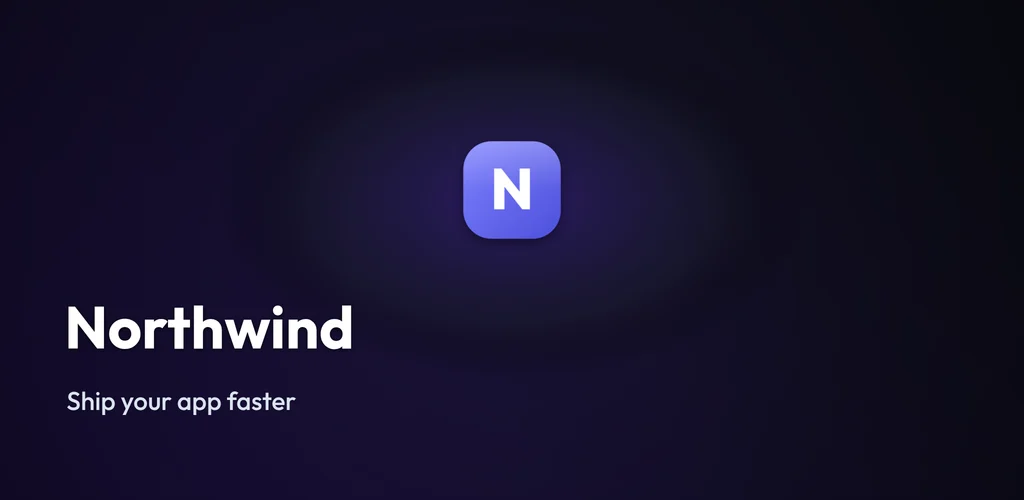
Spotlight
Use this templateSingle light source on the mark. High contrast, minimal.
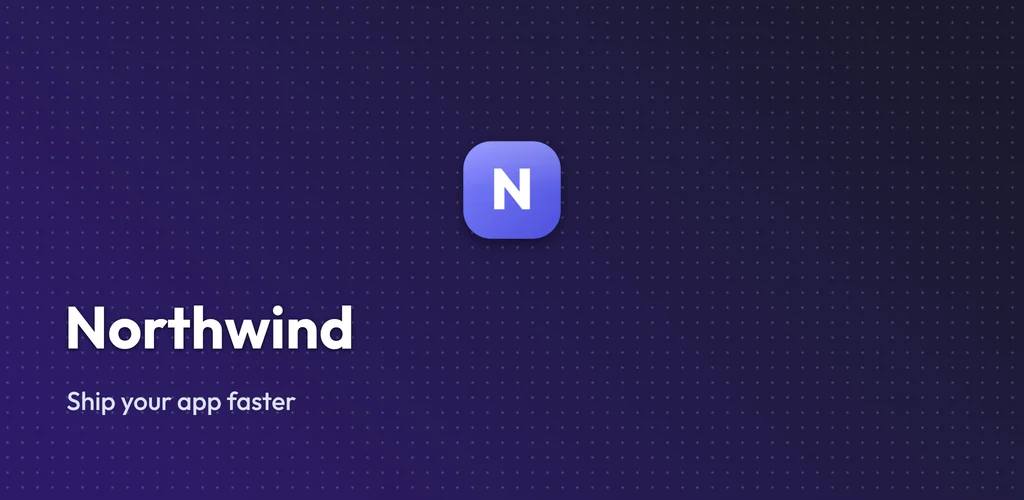
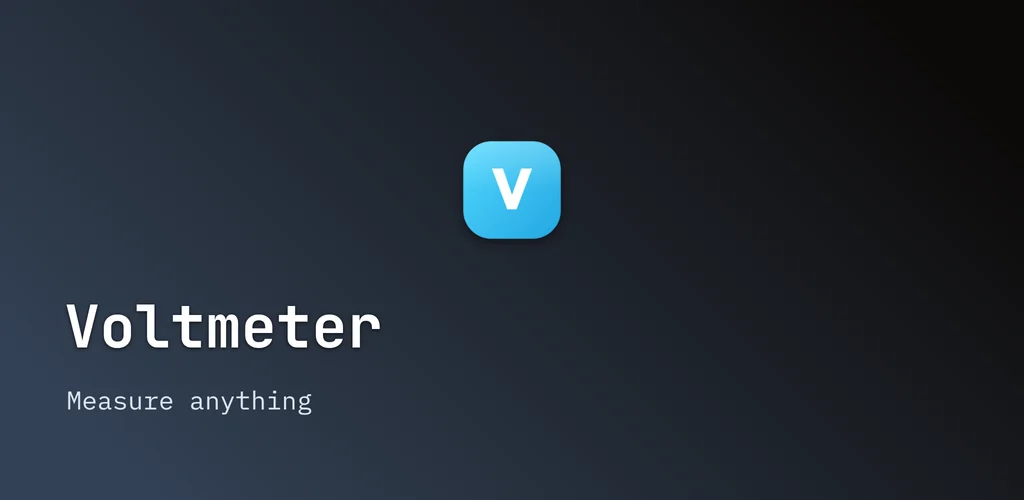
Dot Grid
Use this templateTechnical dot field. Fits developer tools and utilities.
Browse by app category
Each category renders every layout with a palette and sample that suits that kind of app, plus specific advice on what converts in that category.
Open the free feature graphic generator
Pick any layout, drop in your logo, and download the 1024 x 500 PNG. No account, no watermark.
Frequently asked questions
What size is a Google Play feature graphic?
1024 x 500 pixels, saved as a JPEG or 24-bit PNG with no alpha channel. Every template here renders at exactly that size, so the download is submission-ready. Keep important text clear of the outer edges, since some Play placements crop the graphic.
Are these templates really free?
Yes. Open any layout in the generator, drop in your logo, and download the 1024 x 500 PNG with no account and no watermark. Batch export and saved projects are the paid line, but a single finished graphic is free.
Can I change the colors and text?
Yes. The category pages show each layout with a category-appropriate palette and sample name, but every color, headline, and the logo are editable in the tool. The templates are a starting point, not a locked design.
Do I need a feature graphic to publish on Google Play?
Yes. Google Play requires a feature graphic for every listing, unlike the App Store which has no equivalent. Without one you cannot publish, which is why it is worth getting right.