Free Google Play Feature Graphic Maker
Upload your logo, pick a template, and download your 1024x500 feature graphic right here. Free, no account, no watermark.
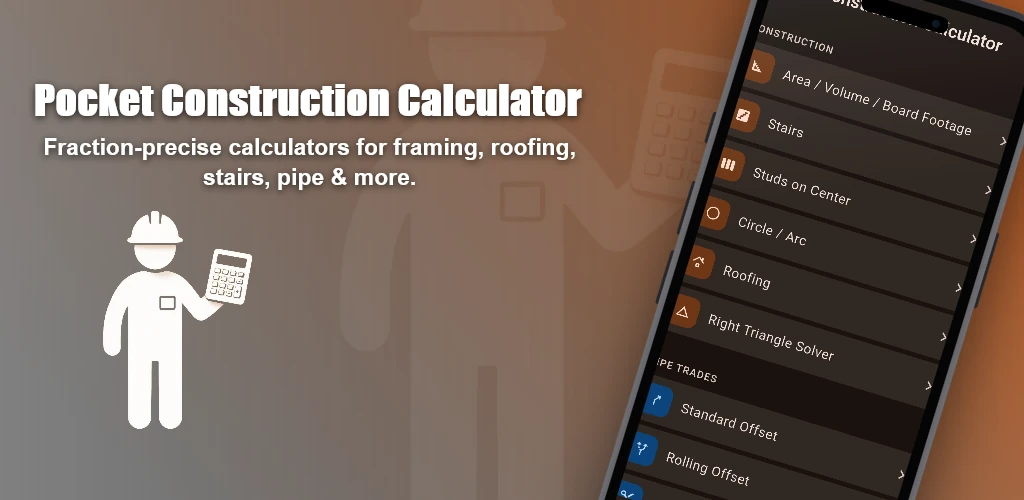
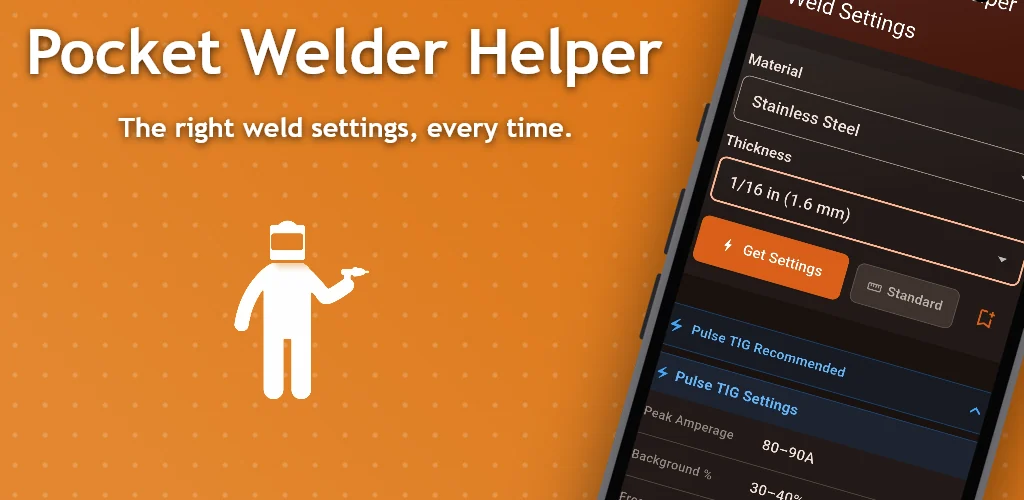
Made with this generator
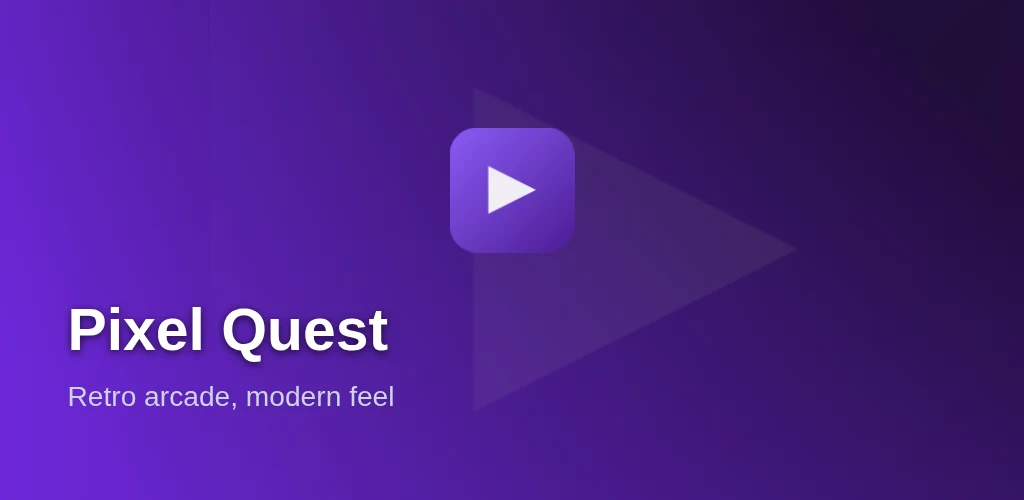
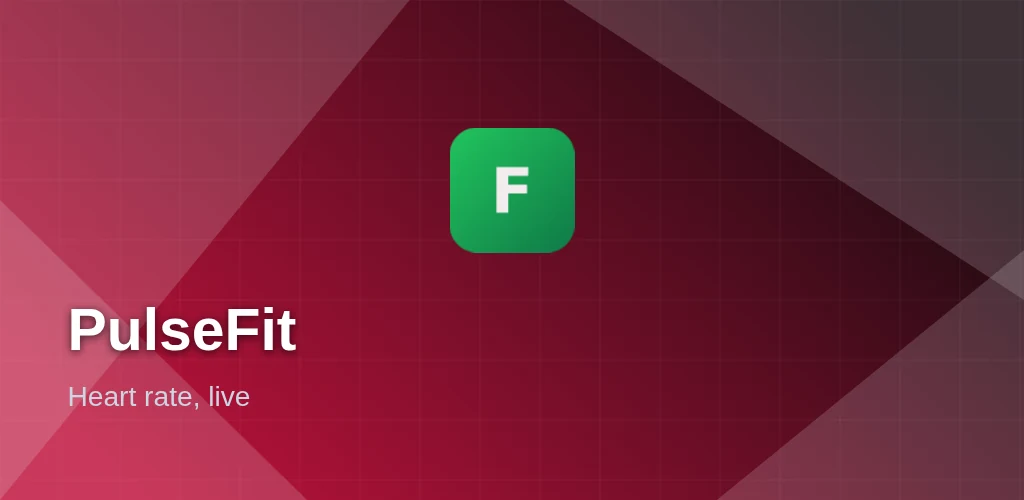
Logo
Drop logo
PNG or image
Screenshot (optional)
Drop screenshot
Any size
Template
Background
Logo Size & Position
Device Position
Text Layers
Drag text to reposition · Click canvas to deselect
How it works
- Upload your app logo or icon.
- Pick a template, colors, and whether to show a device mockup.
- Download the graphic at Google Play's exact 1024x500 requirement. Free, no signup.
Why this exists
Google Play requires a feature graphic to publish an app, but it's an unusual aspect ratio that most design tools don't have a template for. This generates it at the exact required size with layouts built specifically for that ratio.
Need icons, screenshots, or splash screens too?
See all the toolsFrequently asked questions
What is a feature graphic and do I need one?
A feature graphic is the 1024x500px banner Google Play displays at the top of your store listing and in featured placements. It's required to publish an app on Google Play, unlike App Store Connect which has no equivalent requirement.
Is it really free? Any watermark or signup?
Yes, genuinely free. This is the full editor with every template, custom colors, background removal, an icon-derived palette, screenshot backgrounds and unlimited text layers, and you can download your 1024x500 feature graphic with no account and no watermark. Signing in adds saved projects and multi-app management, but nothing here is held back.
Can I use a screenshot as the background instead of a solid color?
Yes. Add a screenshot in the Screenshot section and the device-mockup and screenshot-background templates place it behind your logo with an overlay, all free right here.
What image should I upload here?
Upload your app's logo or icon, it gets placed on the graphic at the size and position each template uses. A transparent PNG usually looks best against the gradient backgrounds.
Is 1024x500 the exact size Google requires?
Yes, that's Google Play's exact required dimension for the feature graphic, no other size is accepted. This tool generates it at that exact resolution.